You installed rooftop solar, the panels are working, and your bills are dropping. But the subsidy has not arrived yet, and you have no idea where your application is stuck.
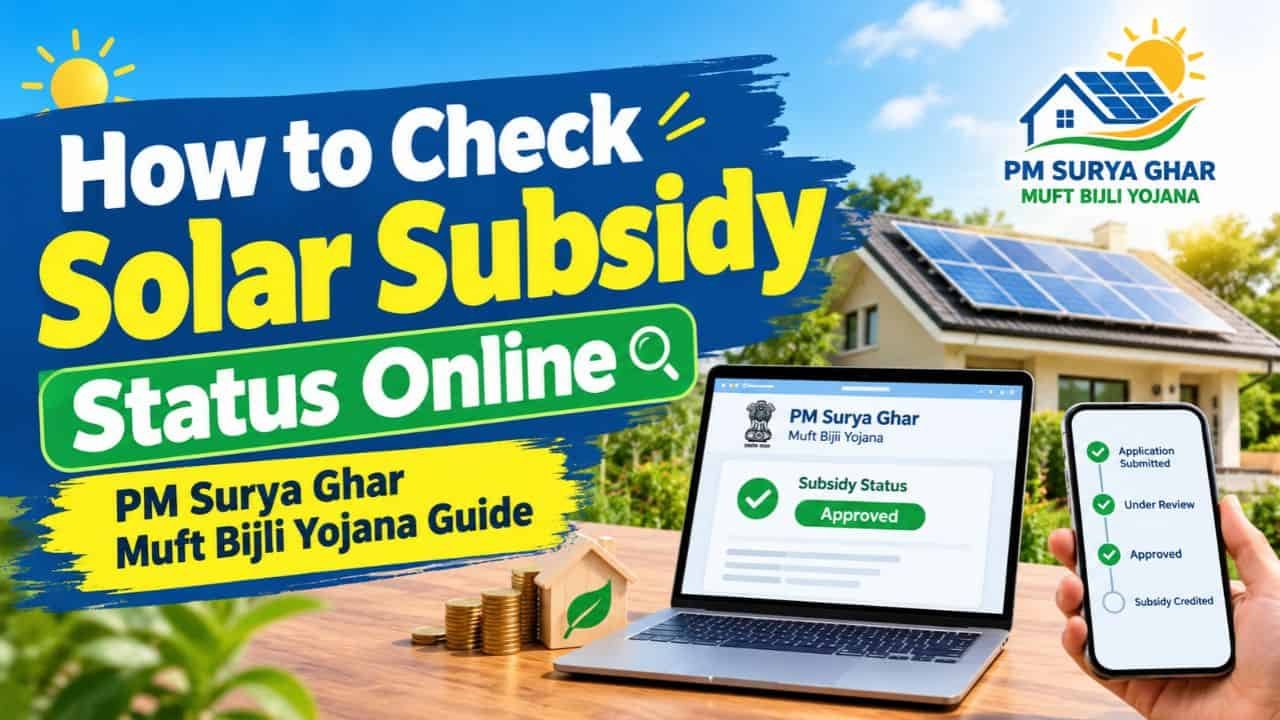
The good news is that you can track everything from home. The PM Surya Ghar portal shows a live progress tracker with every stage, date, and pending action. This guide explains how to check your solar subsidy status, what each stage means, and what to do if it stalls.
Why You Should Track Your Subsidy Application
Knowing your status tells you who needs to act next: you, your installer, or your electricity company. That one detail helps you fix delays early and avoid rejection.
A tracked application also protects you. If something goes wrong, you can see exactly which stage failed and raise the right complaint with the right party.
How to Check Solar Subsidy Status on PM Surya Ghar Portal
Follow these steps to log in and view your tracker.
- Open the official PM Surya Ghar portal
- Click the Login dropdown at the top right of the home page
- Select Consumer Login
- Enter the registered mobile number you used during registration
- Type the captcha shown on screen and click Verify
- Enter the 6 digit OTP sent to your mobile
- Open your dashboard and click My Application
You will now see your full journey with a timeline. Always use the same mobile number you registered with, or the login will fail.
Understanding the Application Tracker
The tracker is a live progress bar that divides your journey into stages. A green tick with “Completed” means that step is done, and a date and time appear below it.
Each stage also carries a label showing who must act:
| Label | Meaning |
| Consumer | Action is pending from you |
| Vendor | Your solar installer must complete the step |
| DISCOM | Your electricity distribution company must verify or approve |
| REC | The nodal agency handles subsidy payment |
So do not just look for green ticks. Check whose responsibility the current stage is.
The 10 Stages of Subsidy Application Explained
| Stage | Handled By | What It Means |
| Registration | Consumer | Your account is created |
| Application | Consumer | Your subsidy application is created |
| Feasibility | DISCOM | Site approval for solar installation |
| Vendor Selection | Consumer | You choose a registered installer |
| Upload Agreement | Vendor | Agreement between you and vendor is uploaded |
| Installation | Vendor | Installer uploads installation details |
| Inspection | DISCOM | Technical inspection of your system |
| Project Commissioning | DISCOM | Net meter is installed or activated |
| Subsidy Request | Consumer | You upload bank details |
| Subsidy Disbursal | REC | Money is sent to your account |
Feasibility Stage
For systems below 10 kW, you generally get deemed feasibility approval. For 10 kW or larger systems, the DISCOM first inspects the site physically and then approves it on the portal.
Vendor Selection and Agreement
If Vendor Selection shows “In Progress,” your vendor choice is still being confirmed. If Upload Agreement is pending, the vendor has not uploaded the agreement yet.
Installation and Inspection
“Installation Completed” means your vendor has uploaded all installation details. “Inspection Completed” means the DISCOM visited your site and marked your system compliant.
Commissioning and Net Meter
In this stage, a DISCOM professional replaces your normal meter with a net meter. If you already have a smart meter, the export feature is enabled instead. A pending status usually means no net meter has been installed yet or your system is not operational.
Subsidy Request and Disbursal
You must upload a cancelled cheque or passbook front page for the subsidy request. If this stage is pending, you have not yet submitted your bank details. When Subsidy Disbursal shows “Completed,” the money has been transferred.
How Long Does the Subsidy Take?
The central subsidy usually reaches your account in about one month after commissioning. State subsidies vary by state and can take longer, and some states have reported delays in releasing their share.
If you took a solar loan, the subsidy may need to go toward the loan. Since the bank financed your system, the subsidy is adjusted against the outstanding amount. That lowers your principal and reduces your EMI or interest burden.
Why Is My Subsidy Stuck or Rejected?
Most delays come from small, fixable mistakes. Here are the common causes.
| Problem | How to Avoid It |
| Name mismatch between Aadhaar, bill, and ownership proof | Check all documents side by side before applying |
| Non-empanelled vendor | Confirm your installer is registered on the portal |
| Non-DCR solar panels | Use DCR panels (Indian-made cells) only |
| System size above sanctioned load | Check the sanctioned load on your electricity bill |
| Pending electricity bill arrears | Clear dues before applying |
| Wrong bank details or IFSC | Match details exactly with your bank records |
| Duplicate applications | Apply once per consumer number |
| Installing before approval | Apply and get feasibility before installation |
Self-arranged installations and claims made after installation are generally not accepted, so always follow the portal process in order.
What to Do If Your Application Is Stuck
First, log in and read the current status line. The fix depends on the stage.
- Stuck at DISCOM stage: Contact your DISCOM rooftop solar desk and ask for the pending reason
- Stuck at vendor stage: Ask your installer to upload the missing details, or check what vendor tasks are pending
- Vendor not responding: File a complaint in the portal’s grievance section
- Subsidy marked complete but money not received: Check that your bank account number and IFSC match your bank records
- DISCOM still does not act: Approach your State Electricity Regulatory Commission, and use an RTI application as a last resort
If your installer disappears midway, another registered vendor can often take the application forward, provided it was filed correctly.
Documents to Keep Ready
- Latest electricity bill with consumer number
- Aadhaar card with matching name
- Property ownership proof
- Cancelled cheque or bank passbook front page
- Vendor agreement and installation invoice
For subsidy amounts and eligibility, read our guide on solar panel for home government subsidy. If you are still deciding on system size, see 3kW solar system price in India with subsidy.
Frequently Asked Questions
Can I check my subsidy status without logging in? No. You need to log in through Consumer Login using your registered mobile number and OTP. Use the same number you used at registration.
Why does my status show “Vendor Selection In Progress”? This usually means the vendor selection or confirmation is still pending from your side. Choose a registered vendor on the portal to move to the next stage.
How many days does it take to get the subsidy after installation? The central subsidy generally arrives in about one month after commissioning. State subsidy timing differs by state, so check with your DISCOM.
I took a loan for solar. Will the subsidy come to me or the bank? The subsidy is credited to your account, but with a loan it must be adjusted against your outstanding loan amount. This reduces your loan principal and lowers your EMI or interest.
What should I do if my bank details were entered wrongly? Update your cancelled cheque or passbook details through the subsidy request stage if it is still open, or raise a complaint in the portal’s grievance section and contact your DISCOM for correction.
1 thought on “How to Check Solar Subsidy Status Online | PM Surya Ghar Muft Bijli Yojana Guide”